
 By Muhammad Irfan Liaqat
Base64 Encoding Explained: What It Is and When to Use It
A clear, practical explanation of Base64 encoding for developers and curious minds. Learn what it does, why it exists, and when you actually need it.
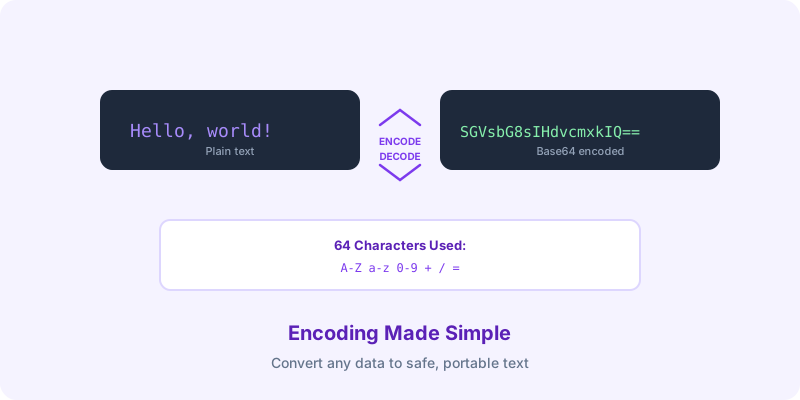
If you've ever looked at a chunk of text that looks like this:
SGVsbG8sIHdvcmxkIQ==
...and wondered what it is, you've encountered Base64 encoding. It looks mysterious, but it's actually one of the simplest and most useful encoding schemes in computing.
What Is Base64?
Base64 is a way to represent binary data (like images, files, or any sequence of bytes) using only text characters. Specifically, it uses 64 characters:
• A-Z (26 characters)
• a-z (26 characters)
• 0-9 (10 characters)
• + and / (2 characters)
• = for padding
That's it. Any data — a photo, a PDF, an encrypted message — can be represented using just these 64 characters.
Why Does It Exist?
Base64 exists because many systems were designed to handle text, not binary data. Email, for example, was originally built for plain text. If you wanted to send a photo via email in the early days of the internet, you couldn't just attach the raw image file — the email system wouldn't know what to do with the binary data.
Base64 solved this by converting the binary data into text that email systems could handle. The receiving end would then convert it back.
Today, Base64 is used for:
Embedding images in HTML/CSS: Instead of linking to a separate image file, you can embed the image data directly in your code
Sending data in APIs: JSON doesn't support binary data, so files are often Base64-encoded
Authentication headers: HTTP Basic auth encodes credentials in Base64
Data URIs: Embedding small files directly in web pages
Storing binary data in text-based formats: Like JSON or XML
The Trade-Off
There's one important thing to understand: Base64 encoding makes data about 33% larger. A 100 KB image becomes about 133 KB when Base64-encoded.
This is a deliberate trade-off. You're gaining compatibility (text systems can handle it) at the cost of size. For small files like icons, this is fine. For large files, you're usually better off transferring the binary data directly.
When to Use Base64 (And When Not To)
Good uses:
• Small images (icons, logos) embedded in CSS or HTML
• Inline images in emails
• Encoding data for API requests that only accept text
• Encoding authentication credentials
• Storing small binary blobs in databases that only accept text
Bad uses:
• Large images or files (use direct file upload instead)
• Anything you want to keep secret (Base64 is NOT encryption)
• Data that will be transmitted repeatedly (the 33% overhead adds up)
Try It Yourself
Our Base64 Encoder/Decoder lets you convert text to Base64 and back instantly. Paste any text, click encode, and you'll see the Base64 representation.
For images specifically, use our Image to Base64 converter, which also generates ready-to-use HTML <img> tags and CSS background-image values.
Common Misconceptions
"Base64 is encryption" — No. Base64 is encoding, not encryption. Anyone can decode it. It provides zero security. Never use Base64 to protect sensitive data. For actual cryptographic operations, look at our Hash Generator.
"Base64 compresses data" — The opposite. It makes data 33% larger.
"Base64 only works with text" — Base64 can encode any binary data — images, audio, executables, anything.
A Quick Example
The text "Hello, world!" encoded in Base64 becomes:
SGVsbG8sIHdvcmxkIQ==
Decoding SGVsbG8sIHdvcmxkIQ== gives you back "Hello, world!"
The == at the end is padding — it tells the decoder that the original data length wasn't evenly divisible by 3 bytes.
Base64 encoding is one of those fundamental building blocks of the internet. It's not glamorous, but understanding what it does and when to use it will serve you well as a developer.